01
Understand your stock
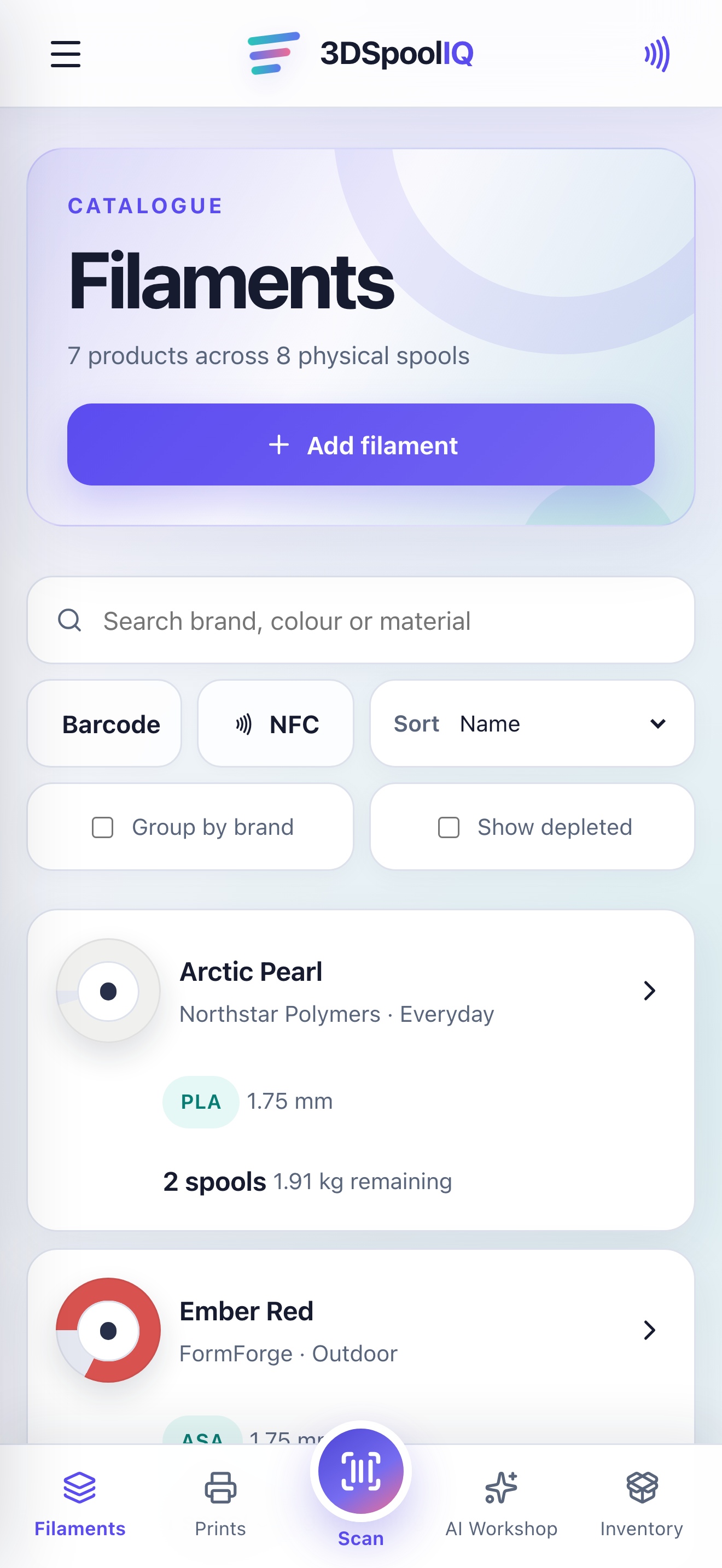
See brands, materials, colours, spool counts and remaining weight in one clear library.
Track filament brands, materials, colours, physical spools and remaining weight across iPhone, iPad and Mac.
Free to download. Built for iPhone, iPad and Mac.

From shelf to screen
Once a shelf fills with colours, materials and half-used spools, simple decisions become difficult. Do you already own that colour? Is there enough left for the next print? Which spool should you use first?
3DSpoolIQ turns a busy shelf into a clear, useful inventory, wherever you plan or print.
15-second overview
A quick look at how 3DSpoolIQ brings filament, devices and print planning together.
A smarter inventory
See brands, materials, colours, spool counts and remaining weight in one clear library.
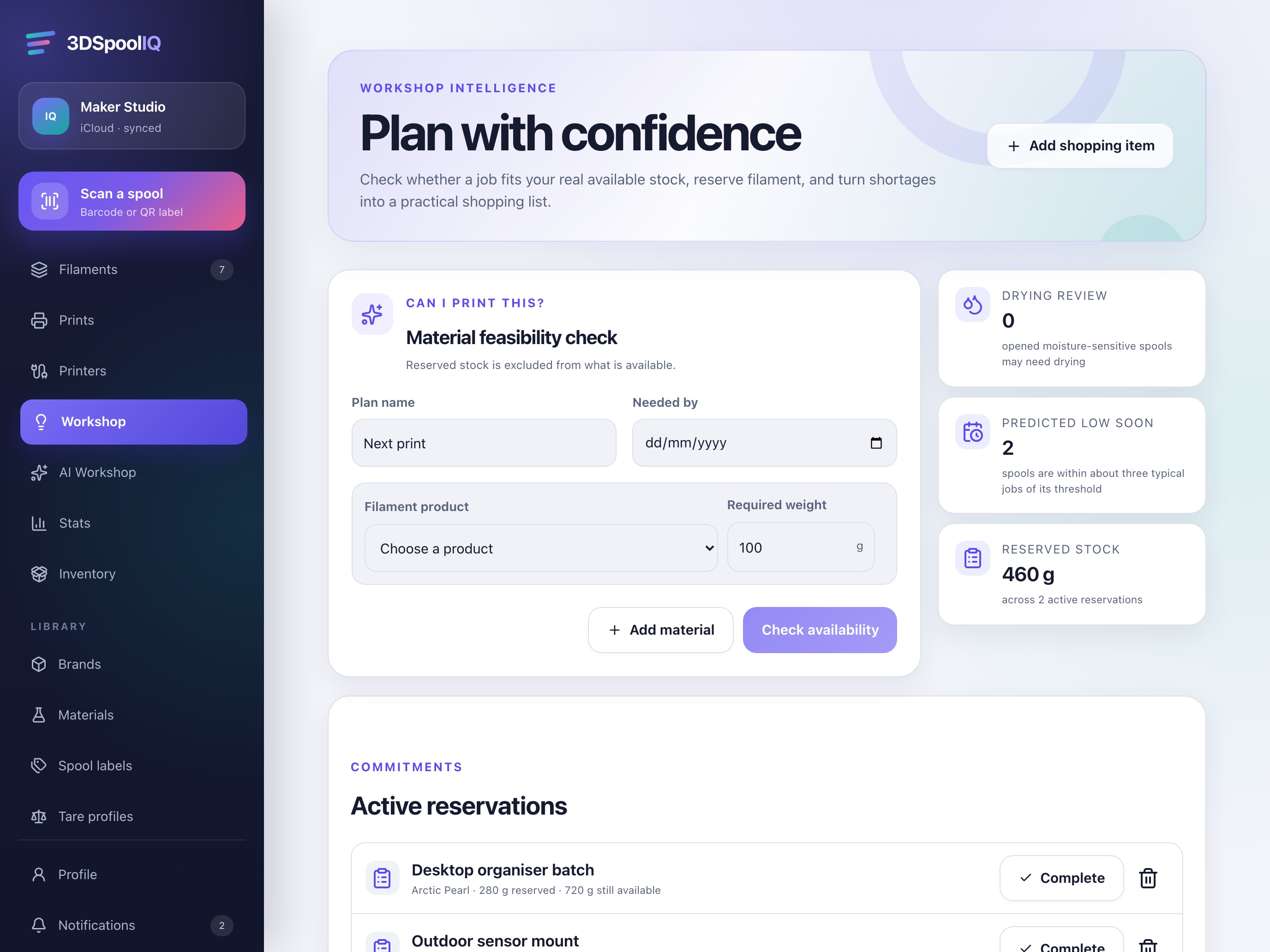
Check recorded stock before starting a print and identify low inventory before it becomes a delay.
Import an existing Spoolstock CSV and continue with the inventory you have already built.
Keep your inventory current across iPhone, iPad and Mac through your private iCloud workspace.
One app, three screens
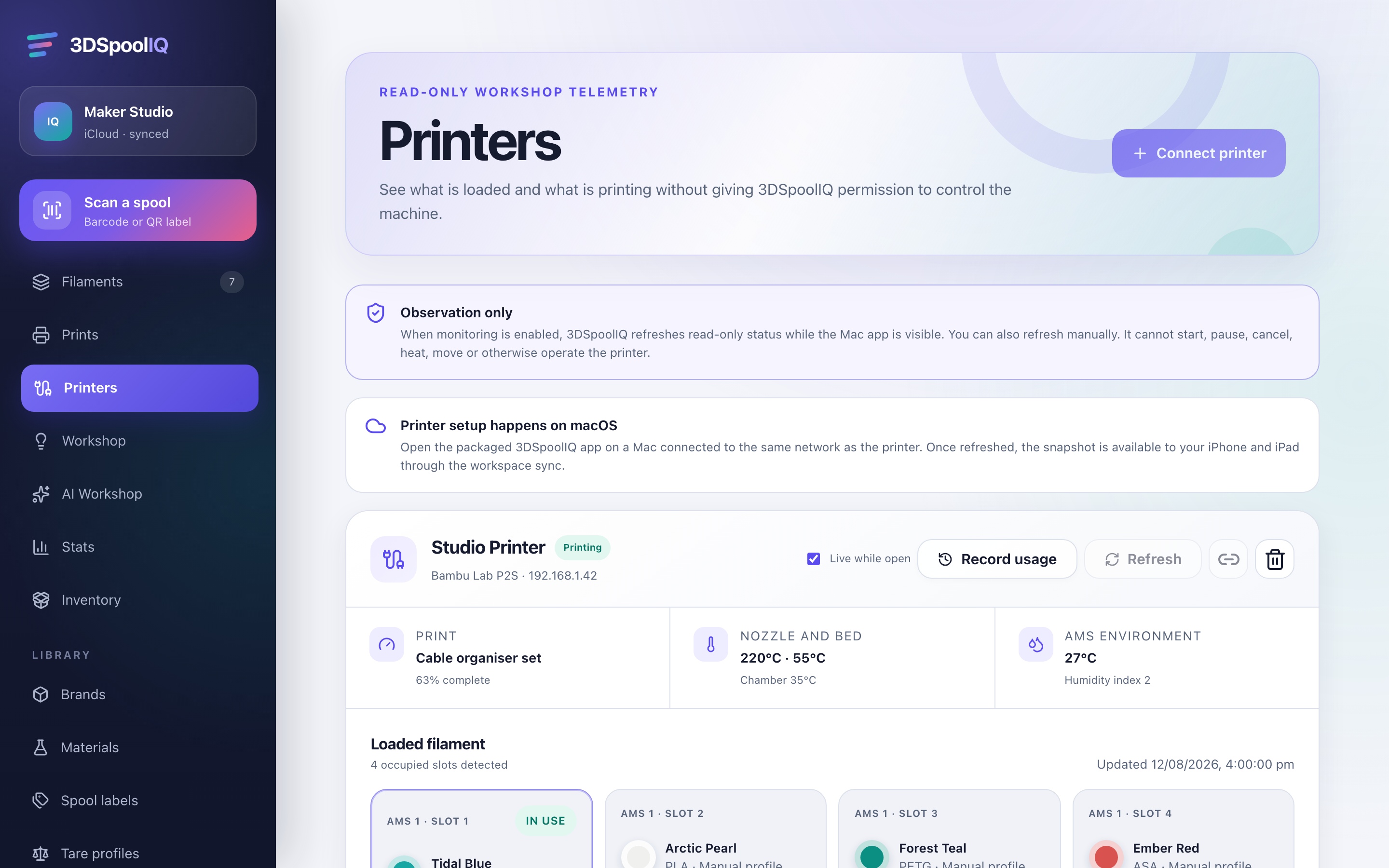
The same inventory adapts naturally to every Apple device in your workflow.
Made for real workshop moments
“I checked the remaining weight before slicing, instead of discovering the shortage halfway through.”
“My Spoolstock inventory moved across by CSV, so I could start with my real collection.”
“The same stock view follows me from the Mac at my desk to the iPhone beside the printer.”
Private by design
3DSpoolIQ is designed around Apple platforms and clear user control. Your inventory stays in the app's local cache and your private iCloud workspace when iCloud Sync is enabled.
Read the privacy policyNo behavioural advertising3DSpoolIQ does not sell personal data or build advertising profiles.
AI stays optionalYou choose the provider, model and API key if you enable AI features.
Printer access is read-onlyBambu connectivity can show available status and filament information, but does not control your printer.
Good to know
3DSpoolIQ is available for iPhone, iPad and Mac through the Apple App Store.
Yes. Export your inventory from Spoolstock as a CSV, then import it into 3DSpoolIQ for review before anything is added.
No. You can use the app locally. Enable iCloud Sync in Settings when you want your inventory available across your Apple devices.
No. The connection is read-only. It is designed to surface available printer, AMS and loaded-filament information without sending print or control commands.
AI is optional. If enabled, you select a supported provider and use your own API key. The rest of the inventory app does not depend on AI.
3DSpoolIQ is currently free to download from the App Store.